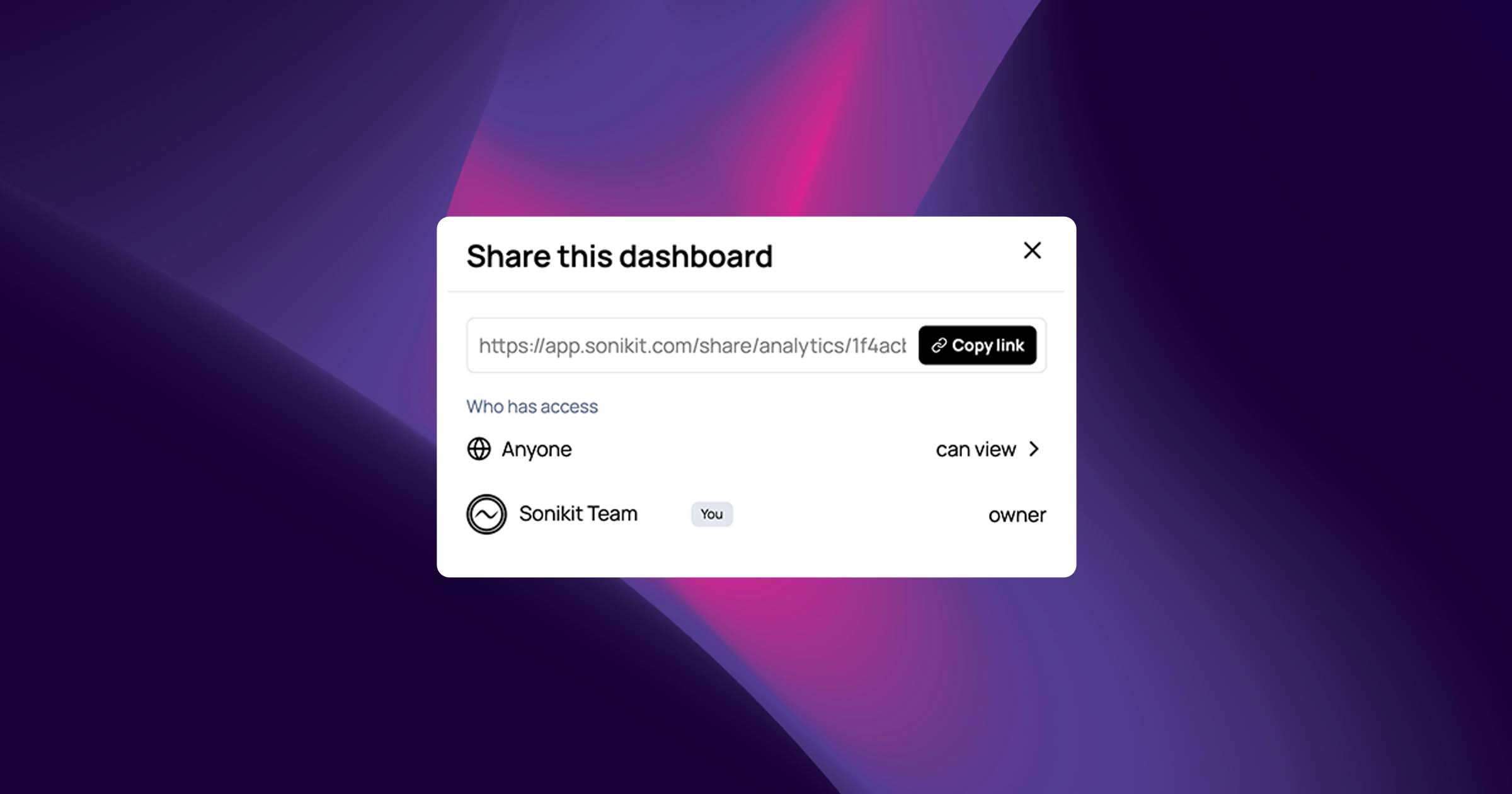
Introducing Shared Analytics Dashboards in Sonikit
If you’ve ever found yourself exporting charts, sending screenshots, or rebuilding the same report every week, you already know the problem: static analytics don’t scale.
Music marketing moves fast. Campaigns evolve daily. Streams, clicks, pre-saves, and fan actions change in real time, but most reporting workflows are frozen the moment you export them.
Today, we’re fixing that.
We’re excited to introduce Shared Analytics Dashboards in Sonikit, a new way to securely share live, always-up-to-date analytics with people outside your Sonikit account.
The problem with traditional analytics sharing
Most teams still rely on:
-
Screenshots pasted into emails
-
PDFs that are outdated the moment they’re sent
-
Spreadsheets that require constant manual updates
-
One-off exports that lack context
This creates friction:
-
Artists don’t see real-time results
-
Clients ask for updated reports
-
Managers can’t explore trends on their own
-
Marketers spend more time reporting than optimizing
Analytics should inform decisions, not slow them down.
A better way: live dashboards you can actually share
With Sonikit’s new dashboard sharing features, you can now share live project analytics with anyone, even if they don’t have a Sonikit account.
That means:
-
No more exporting reports
-
No more resending updates
-
No more version confusion
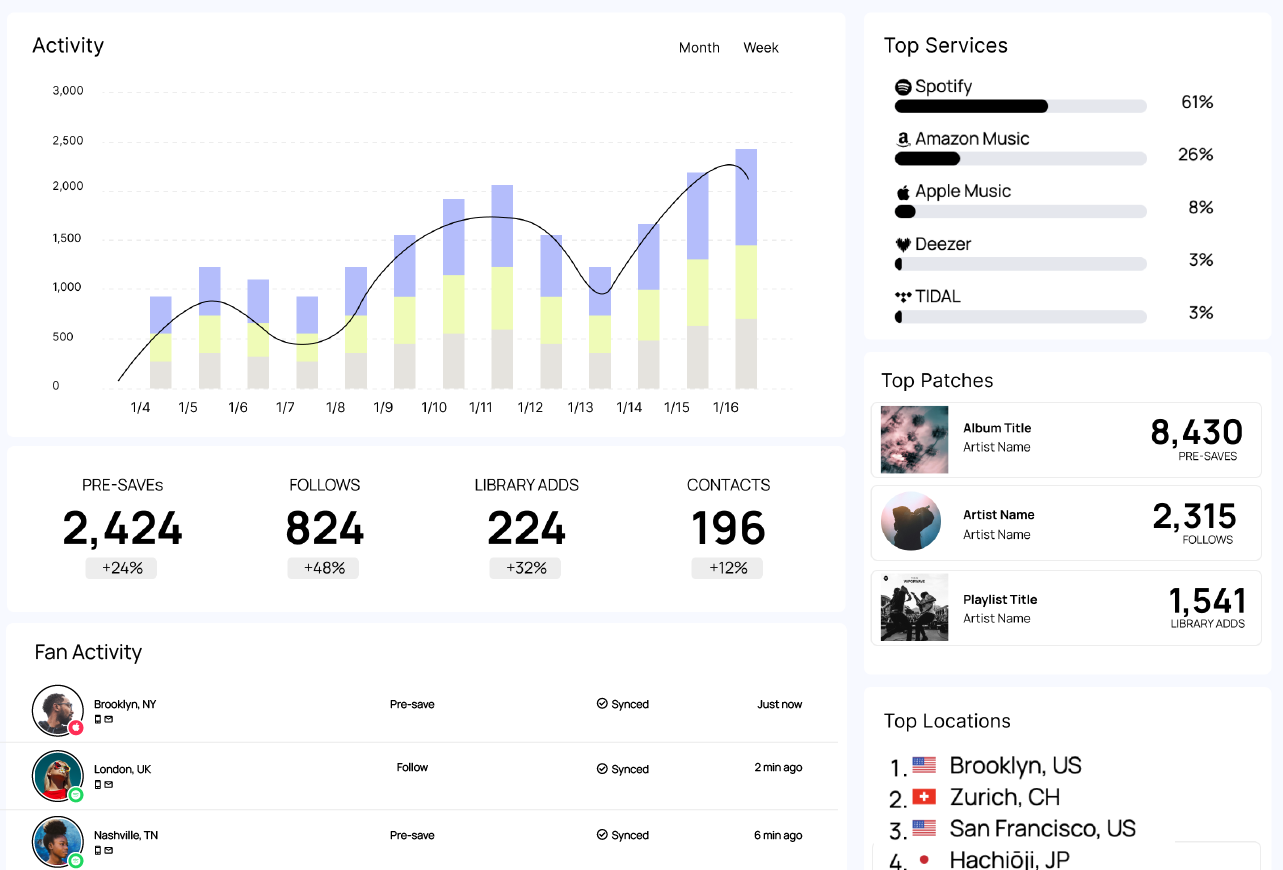
Shared dashboards always reflect real-time data, updating automatically as your campaigns perform.
What you can do with shared dashboards
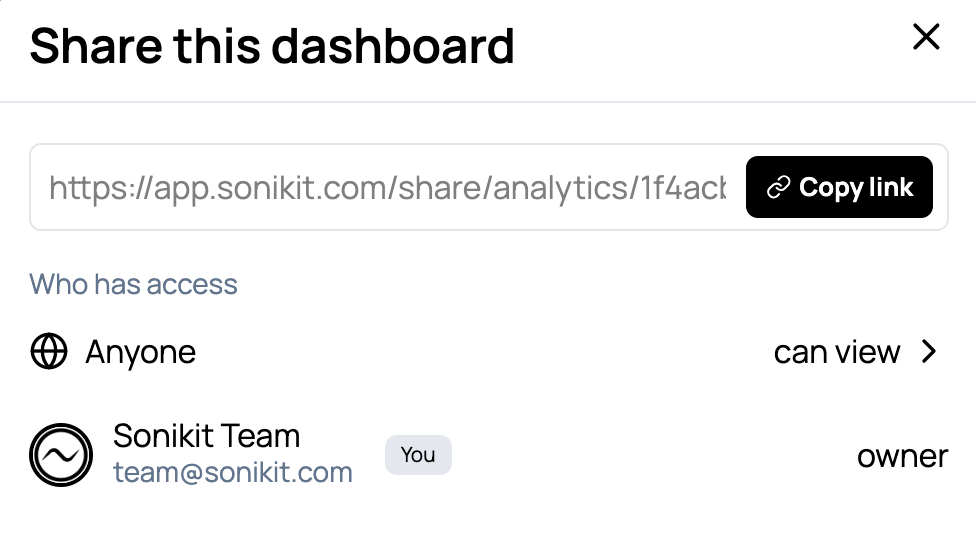
🔗 Share a live dashboard link
Generate a shareable link that anyone can open. Perfect for artists, quick client updates, or collaborators who just need visibility.
🔐 Add security when you need it
On Enterprise plans, you can:
-
Password-protect shared dashboards
-
Restrict access to invited email addresses only
You stay in full control of who sees your data.
👀 Control how viewers interact with analytics
Choose between:
-
View-only access — see exactly what you share
-
Exploratory access — allow viewers to adjust date ranges and filters
All dashboards remain read-only, so your data and setup are always protected.
⚡ Instantly revoke access
Turn off sharing, remove invitees, or change permissions at any time. Changes apply immediately.
Built for real music industry workflows
Dashboard sharing is designed for how music teams actually work:
-
Artists can track performance without needing logins
-
Managers can explore trends across campaigns
-
Labels get transparent reporting across projects
-
Agencies & marketers can deliver professional client reporting
Everyone sees the same source of truth. Live, accurate, and up to date.
Seamless access, zero setup for viewers
Viewers don’t need:
-
A Sonikit account
-
Special permissions
-
Training or onboarding
They just open the link and view the data.
This makes dashboard sharing ideal for external stakeholders who want insight without complexity.
Where to find dashboard sharing
All sharing controls are available directly from your Sonikit home page.
-
Open your analytics dashboard
-
Click Share
-
Copy the link, invite viewers, or adjust access settings
That’s it.
Plan availability
Dashboard sharing is available on the following plans:
-
Basic — Not included
-
Pro — Public dashboard links
-
Enterprise — Public links, password protection, invite-only access, and advanced viewing permissions
If you work with clients, artists, or stakeholders outside your account, Pro or Enterprise is the recommended setup.
Why this matters
This feature isn’t just about sharing charts. It’s about transparency, trust, and better collaboration.
When everyone sees the same live data:
-
Reporting becomes effortless
-
Conversations are more productive
-
Decisions happen faster
And you spend less time explaining results and more time improving them.
Get started today
Shared Analytics Dashboards are available now.
If you’re on Pro or Enterprise:
-
Open your dashboard
-
Click Share
-
Start sharing live analytics in seconds
Want help setting things up? Visit our Help Center for step-by-step guides on dashboard sharing, permissions, and access controls.
This is just the beginning.
We’re continuing to invest heavily in analytics, reporting, and collaboration features to help artists and marketers grow smarter together.
As always, we’d love your feedback!